 PRODUCT STUDIO
DOCKERDRE
See every window before you switch.
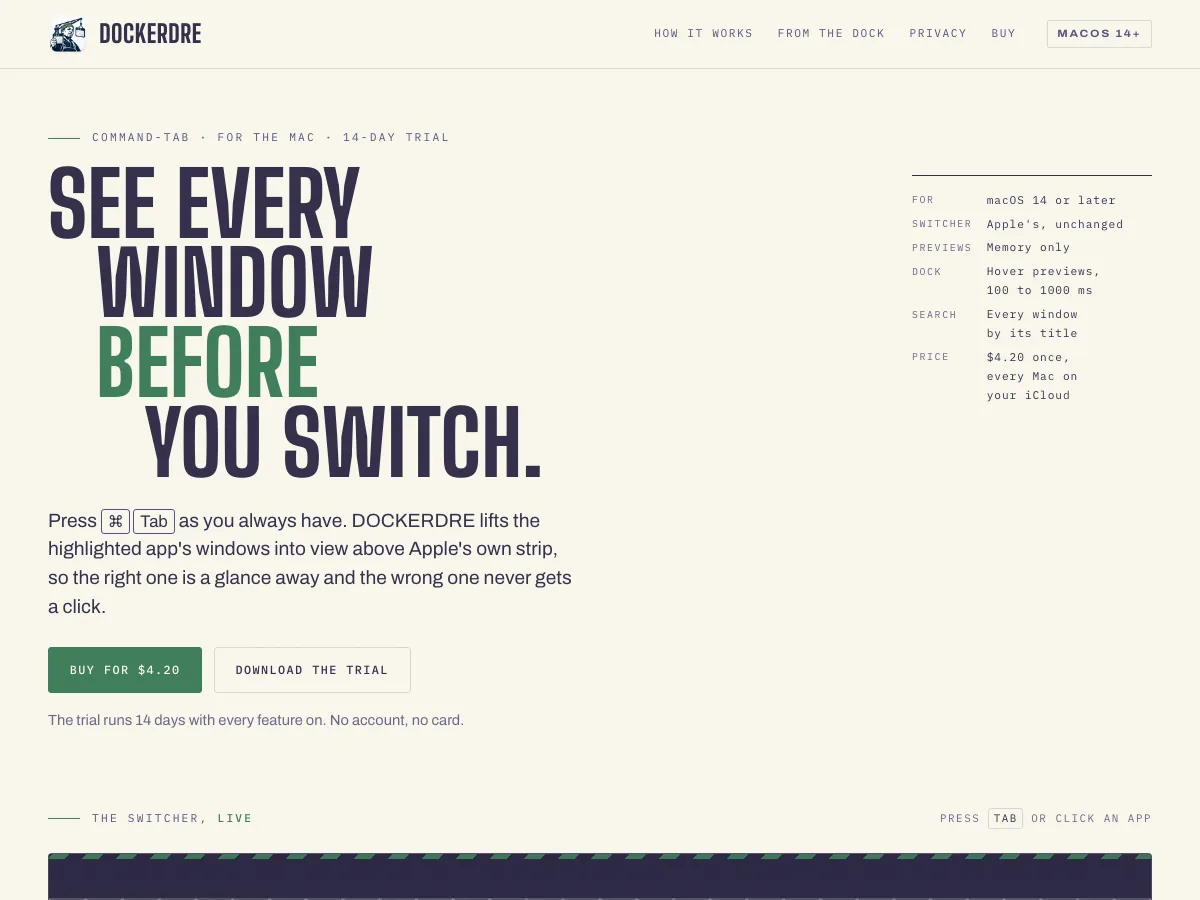
Press ⌘Tab as you always have. DOCKERDRE lifts the highlighted app’s windows into view above Apple’s own strip, so the right one is a glance away.
- Platform
- macOS 14 and later
- Price
- $4.20 once
- Trial
- 14 days, no card
- Domain
- dockerdre.app
What it does
The right window, without the hunt
- Every window at a glance. The highlighted app’s windows appear above Apple’s switcher, with minimized, full-screen and off-screen ones labeled. Apple’s switcher stays as it is.
- Straight to the right one. Click a window and it comes to the front, even if it was minimized.
- From the Dock. Rest the pointer on an app in the Dock and its windows rise above it, after a pause you set.
- Window search. Hold ⌘Tab and press F, or a hotkey you choose, then type part of a window’s title.
- Your windows stay on your Mac. Still pictures of windows, held in memory and dropped when the window closes. Nothing is uploaded or saved to disk.
Why it exists
Command-Tab picks an app, not a window
When an app has five windows open, a switch lands on whichever was last, and the hunt starts. DOCKERDRE shows you the windows before you let go.
It needs two permissions: Accessibility, to find a window and bring it forward, and Screen Recording, to picture it.
Status: on sale at dockerdre.app, with a 14-day free trial.
Get it
Try it free for 14 days
Every feature is on during the trial, and no card is needed.