 PRODUCT STUDIO
Macdials
Brightness, contrast and volume for external monitors.
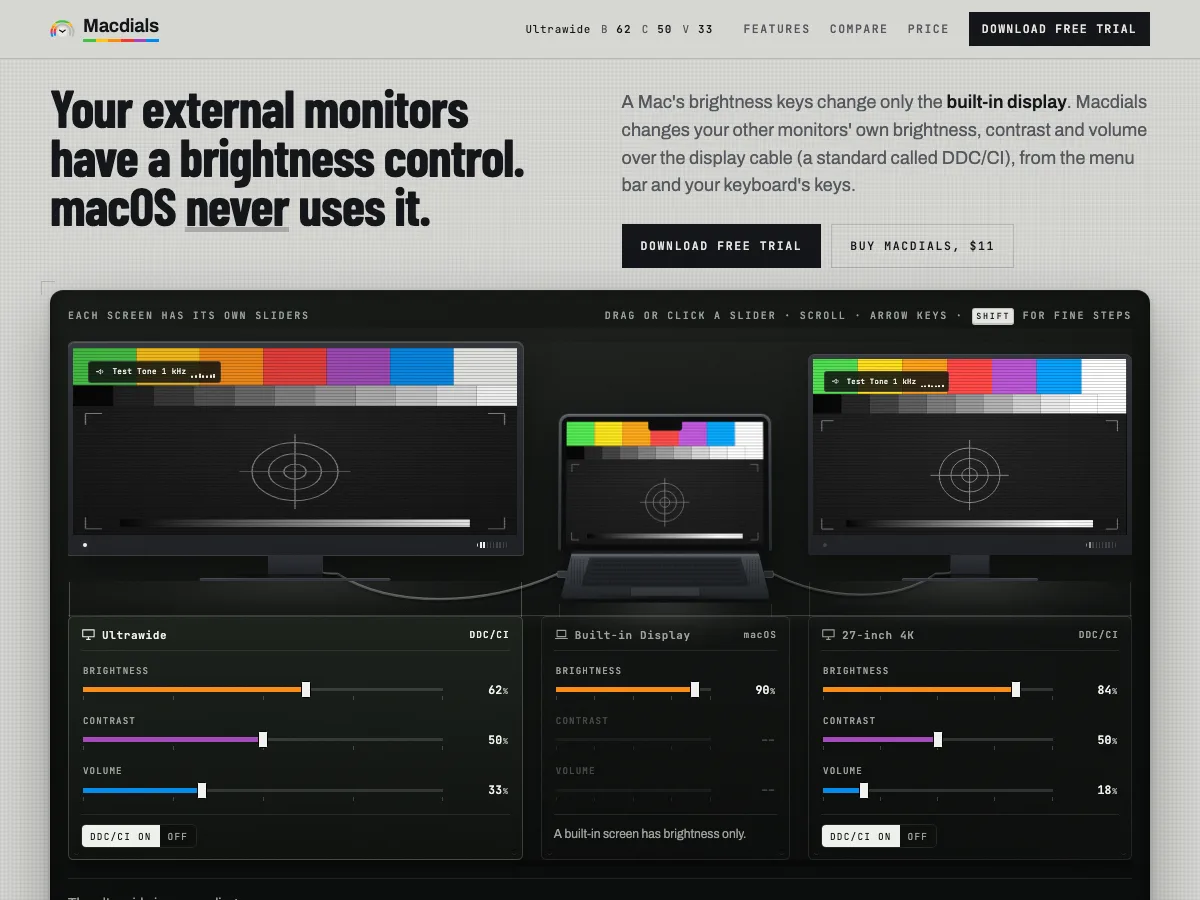
A Mac’s brightness keys change only the built-in display. Macdials changes your other monitors’ own brightness, contrast and volume over the display cable (a standard called DDC/CI), from the menu bar and your keyboard’s keys.
- Platform
- macOS 15 and later, Apple silicon
- Price
- $11 once
- Trial
- 14 days
- Domain
- macdials.com
What it does
The monitor’s own controls, from the Mac
- Brightness, contrast and volume. Changes the monitor’s own backlight, contrast and speakers, not a filter over the picture. The built-in screen and Apple displays are in the same menu, with brightness only.
- Your keyboard’s keys. The brightness and volume keys change the screen under the pointer and show the level on it.
- Every screen in step. Turn on Keep displays at the same brightness and one change moves them all.
- Presets and schedules. Save every screen’s settings as Day, Evening, Night or your own, and switch in one click, at a set time, or at sunrise and sunset.
- It tells you when a monitor won’t answer. Macdials says which monitor is ignoring it and what to check on that brand.
- Private and quiet. No analytics and no account, and the license works offline.
Why it exists
Dimming in software is not dimming
A Mac changes the brightness of its own screen and leaves the monitors beside it to their own buttons. Macdials sends each monitor the commands its own menu would, so the backlight itself changes.
Darkening the picture in software leaves the backlight as bright as before and turns shadows murky. So when a monitor will not respond, Macdials tells you, and keeps software dimming as an option per screen.
Get it
Try it free for 14 days
When the trial ends, the controls pause until you buy, and your monitors stay as they are.