 PRODUCT STUDIO
Snug
Your menu bar, only what you want.
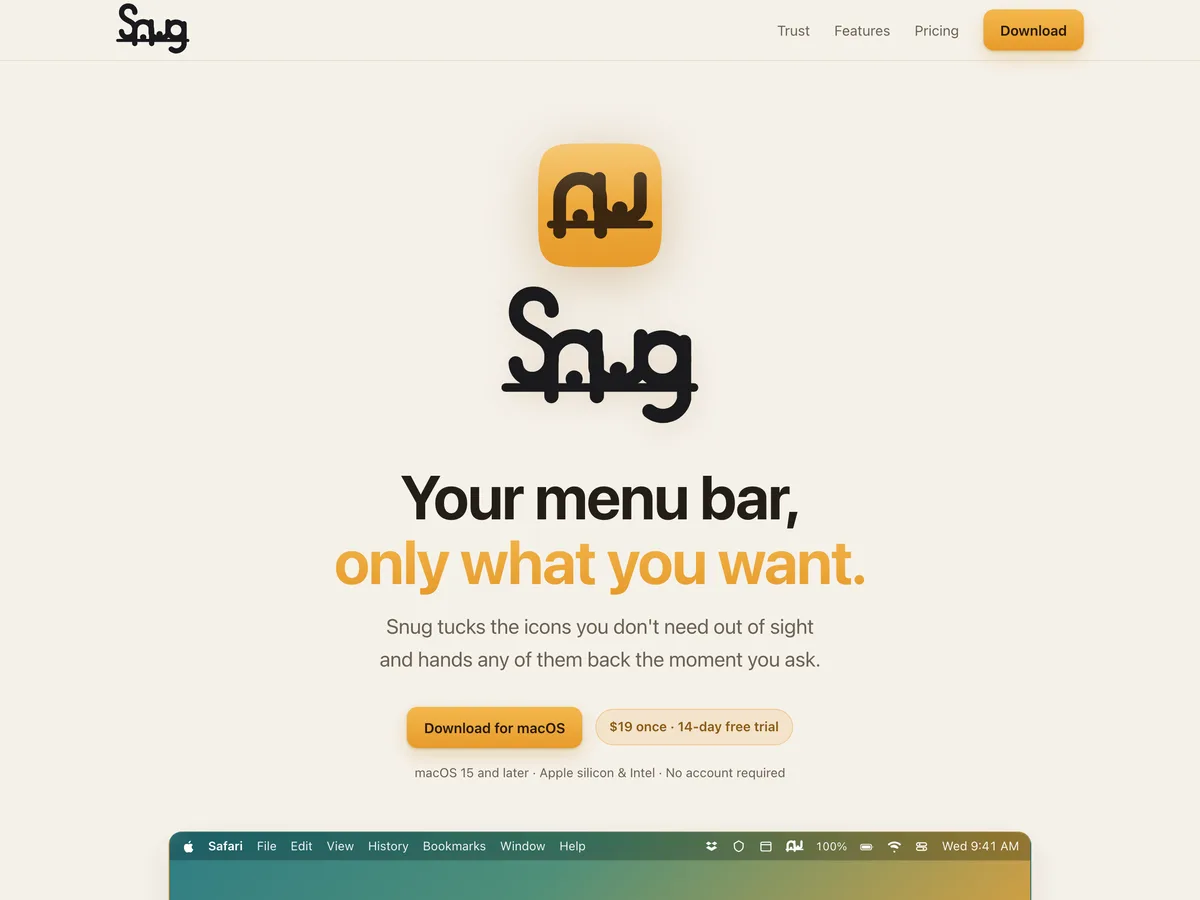
A menu bar manager for macOS. Snug tucks the icons you don’t need out of sight and hands any of them back the moment you ask. A snug is the small hidden side-room in a pub, which is the job description.
- Platform
- macOS 15 through 26, Apple silicon
- Price
- $23 once
- Trial
- 14 days, no card
- Domain
- snug.menu
What it does
Tuck it away, bring it back
- Reveal when you ask. Right-click Snug’s icon (or set a plain click to do it), press your hotkey, or hover. Everything tucks away again after a delay you set.
- Search the ones you hid. Type two letters and the icon you want opens, without dragging the other fourteen out with it.
- Triggers. Rules that react to your Mac: battery level, power source, a Wi‑Fi network, an app running or in front, a Focus. They bring icons back or tuck them away, and undo themselves when the condition ends.
- Screen recording is optional. Snug needs Accessibility to arrange the bar. Screen Recording is only for pixel-perfect icons; leave it off and Snug never looks at your screen.
- No account, no telemetry. Nothing to sign up for and nothing phoning home. The license key arrives by email.
- One purchase. $23 once, with 2 years of updates. Not $23 a year.
Why it exists
The thing that watches your menu bar
A menu bar manager sits in front of everything you have running: the app that is syncing, the one that is recording, the one you forgot you installed. It is, structurally, the last piece of software on the machine you want to be vague about.
So Snug asks for as little as the job allows. It needs Accessibility to move menu bar items, and screen recording stays off unless you turn on pixel-perfect icons. It has no account and no server to have an account on. It does not report usage anywhere. You buy it once, which removes the incentive to invent reasons to keep talking to you.
The feature list is deliberately unsurprising. This category is well understood. The difference is how little Snug asks of you.
Get it
Try it free for 14 days
Every feature is on during the trial, and no card is needed.